 Routines by Noxe
Mornings, after school and bedtime, one picture at a time
You set it up once. Your child taps through it: a big picture, a short name, and a big Done button.
Set up a routineFree. Works offline. No account.


How it works
1. A grown-up sets it up
Add your child, then pick pictures for each step, or use photos of their own toothbrush, shoes and bag. Morning, After school and Bedtime come ready as examples.
2. The child taps through
One step at a time on the whole screen. A small strip shows what is done and what comes next. A calm timer bar is there if you want it.
3. A calm finish
When the last step is done, the child sees a warm message with their name. No scores and no prizes, just done.
Every screen
Here is each screen a grown-up and a child will see, in both looks: Pictures first for little ones, Words first for older kids.
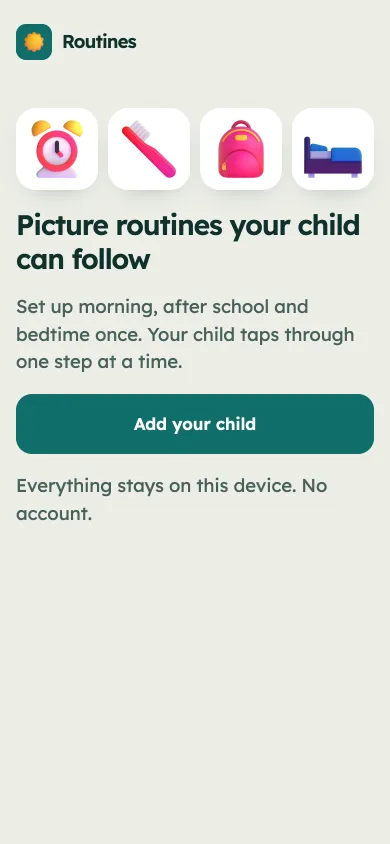
Say hello 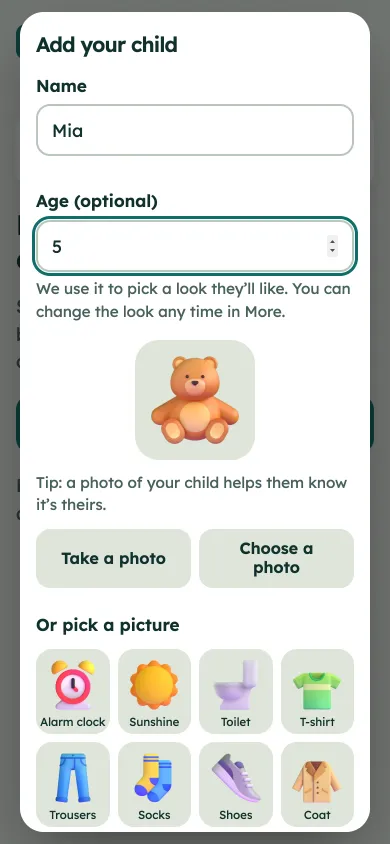
Add your child 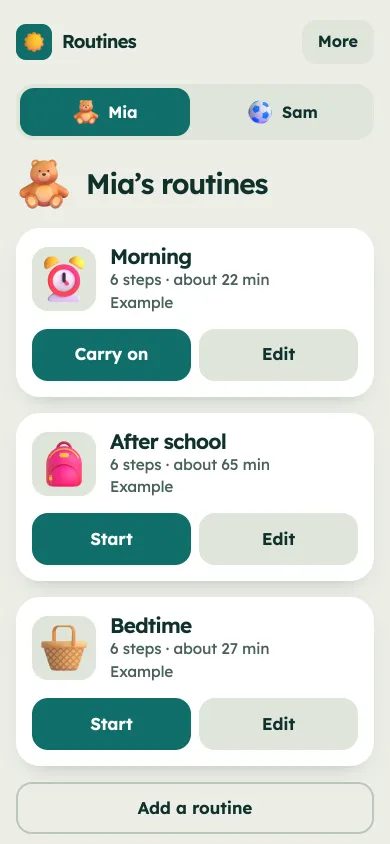
Home, Pictures first 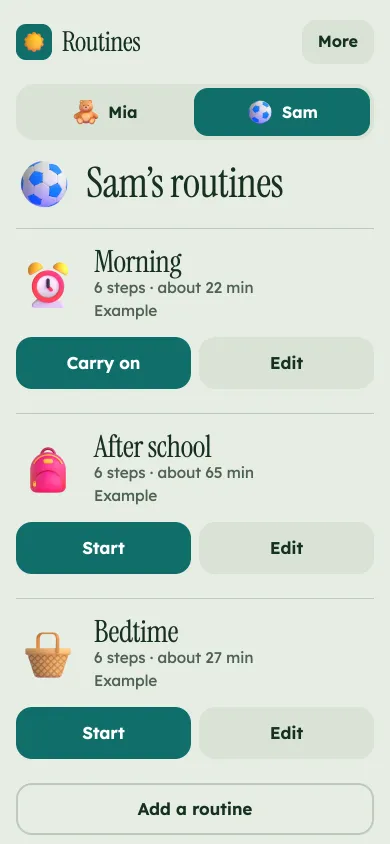
Home, Words first 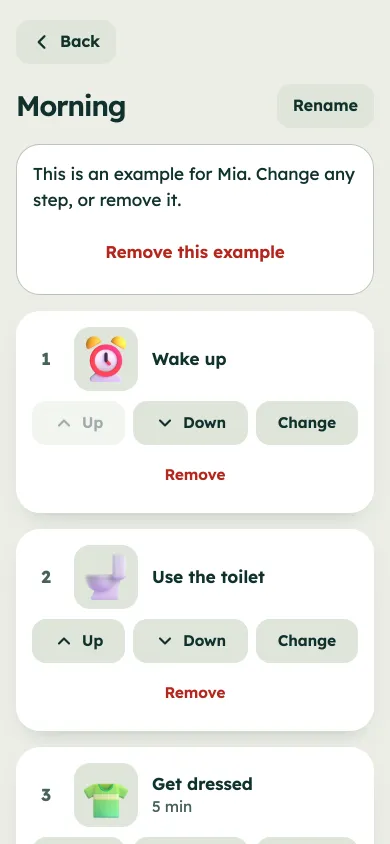
Edit a routine 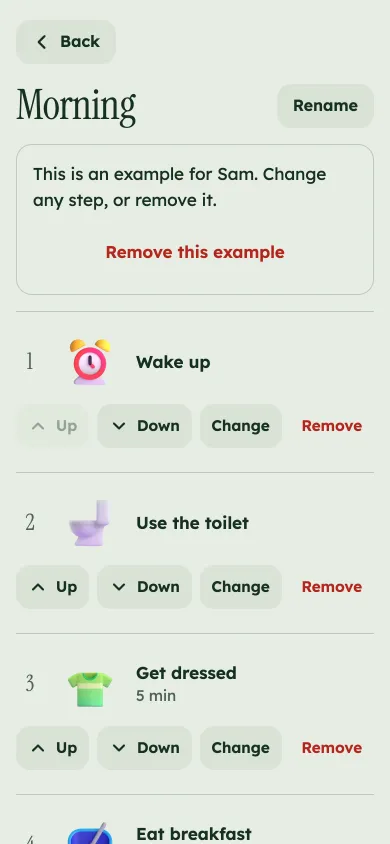
Edit, Words first 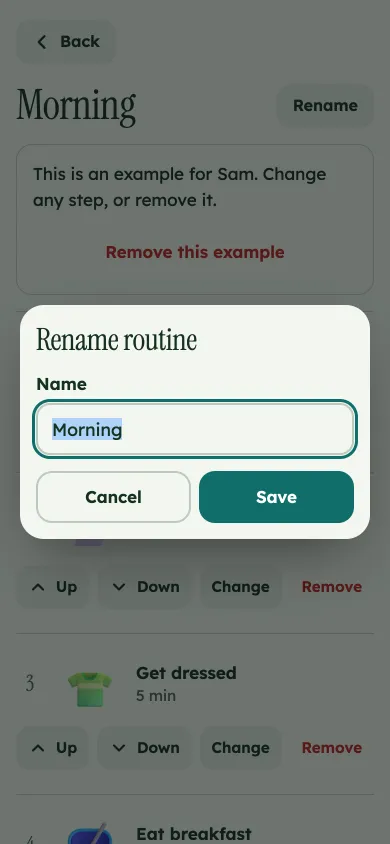
Rename a routine 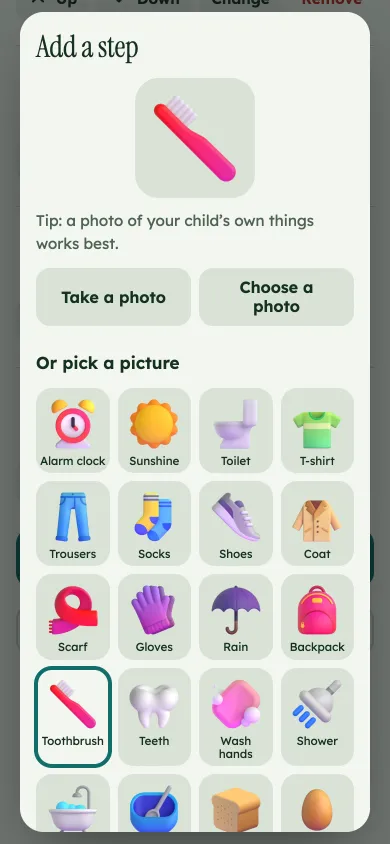
Add a step 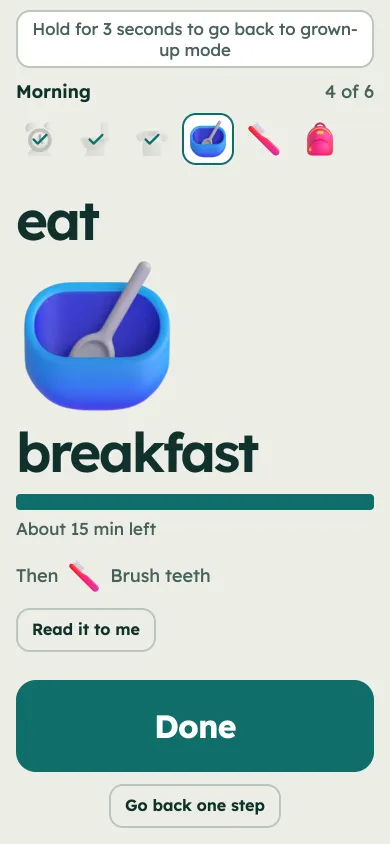
Child taps through 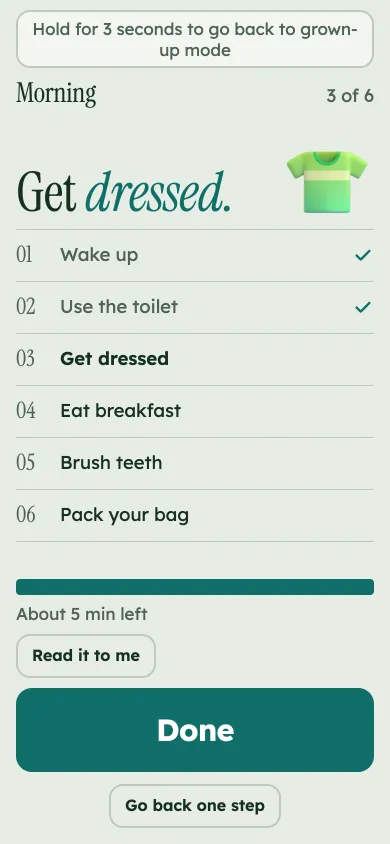
Child, Words first 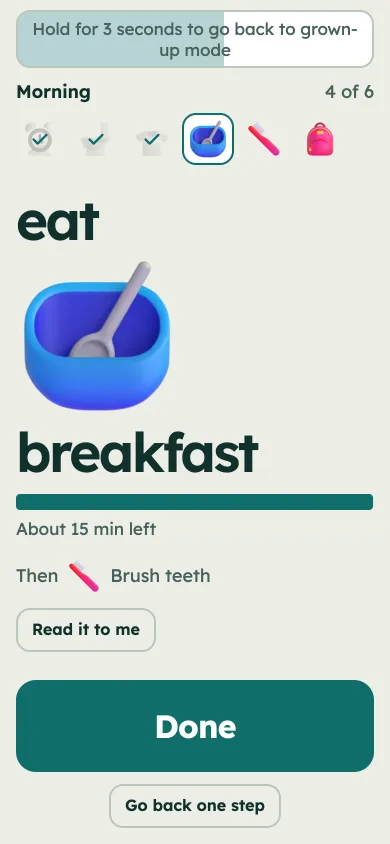
Hold to leave 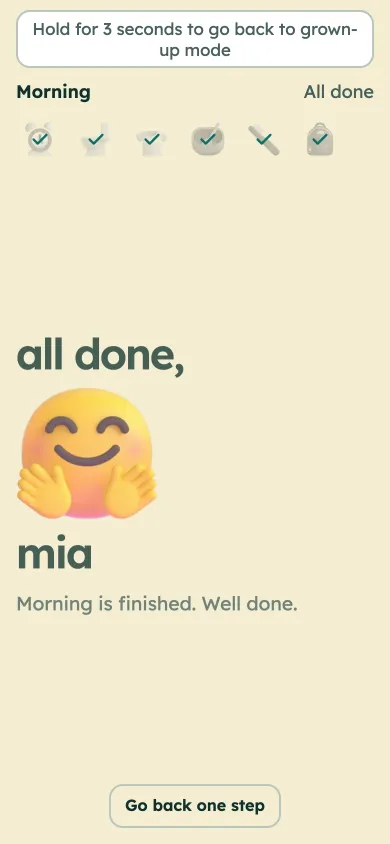
All done 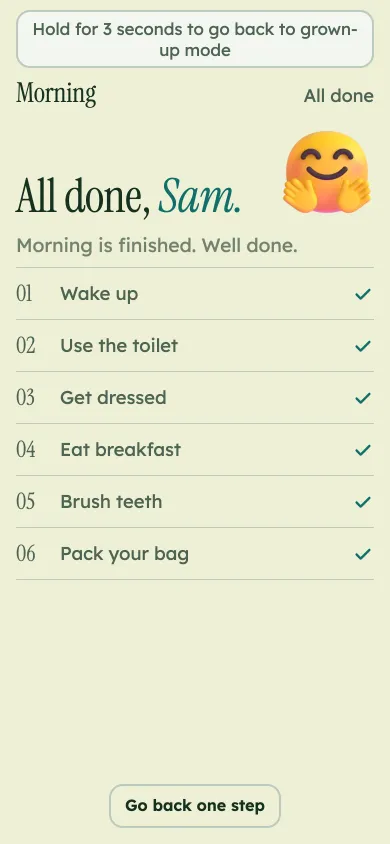
All done, Words first 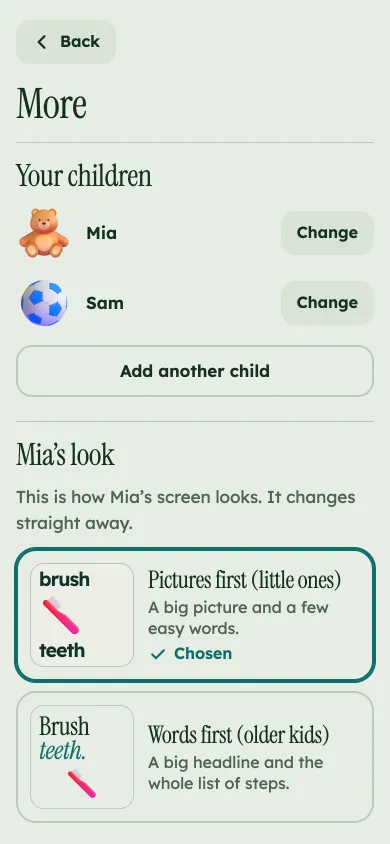
More 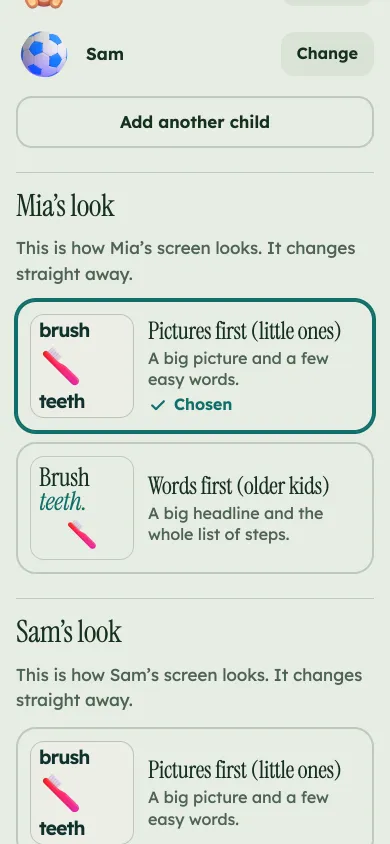
Choose a look 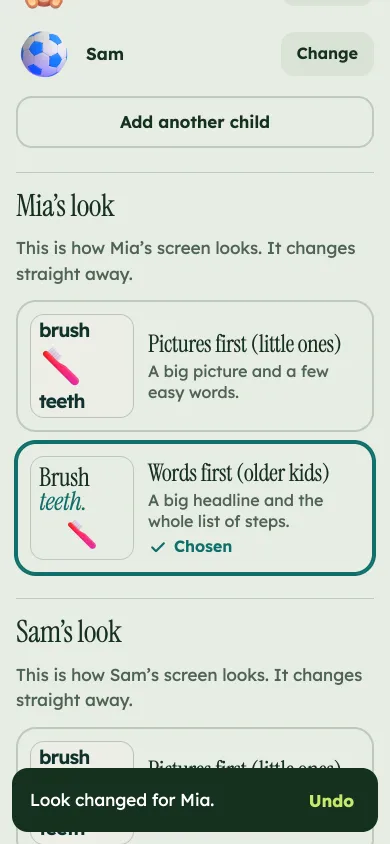
Undo any change 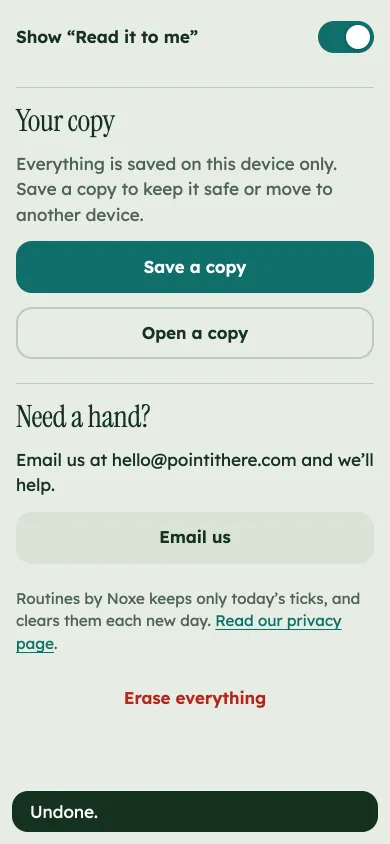
Save a copy 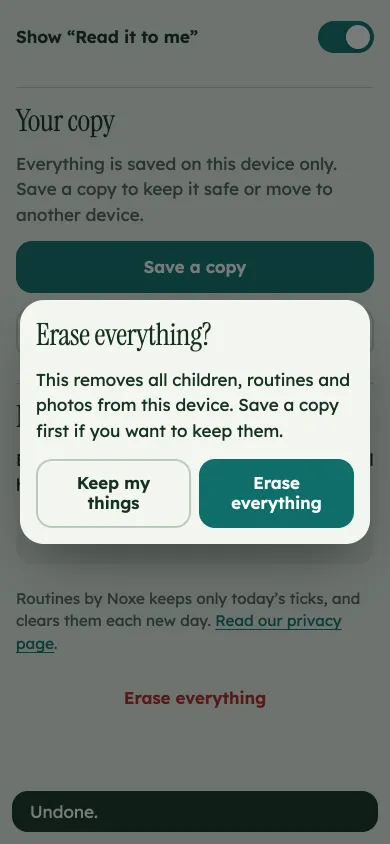
Erase, with a safe way out
Why we built it
Changing from one thing to the next is hard for a lot of children. It is harder when it is all spoken, and again and again. Many families, including those with ADHD or autism in the house, find a row of pictures easier than a list of reminders. We built Routines so the picture does the reminding and the grown-up gets to stop.
Routines is a simple tool for home. It is not a therapy or a medical product.
Our promise
No scores, streaks, points or shaming. Routines keeps only today's ticked steps, and clears them every new day. There is no history of what your child did.
Everything, including photos, stays on your phone. No account, no tracking, no ads. Your child can leave child mode only by holding a button for 3 seconds, so there is no PIN to remember.
Questions
What does it cost?
Nothing. There is nothing to buy inside it.
Does it need the internet?
Only to open the page the first time. After that it works offline.
Where do the pictures come from?
There are 45 built-in pictures (Fluent Emoji 3D, MIT licence), and you can use your own photos. Photos are shrunk on your device and never uploaded.
Can I use it for more than one child?
Yes. Each child has their own routines.
How do I move it to another phone?
Use Save a copy in More, send the file to yourself, then Open a copy on the other phone.
Can it read the step out loud?
If your phone has voices installed on the device, a Read it to me button appears. Nothing is sent online.